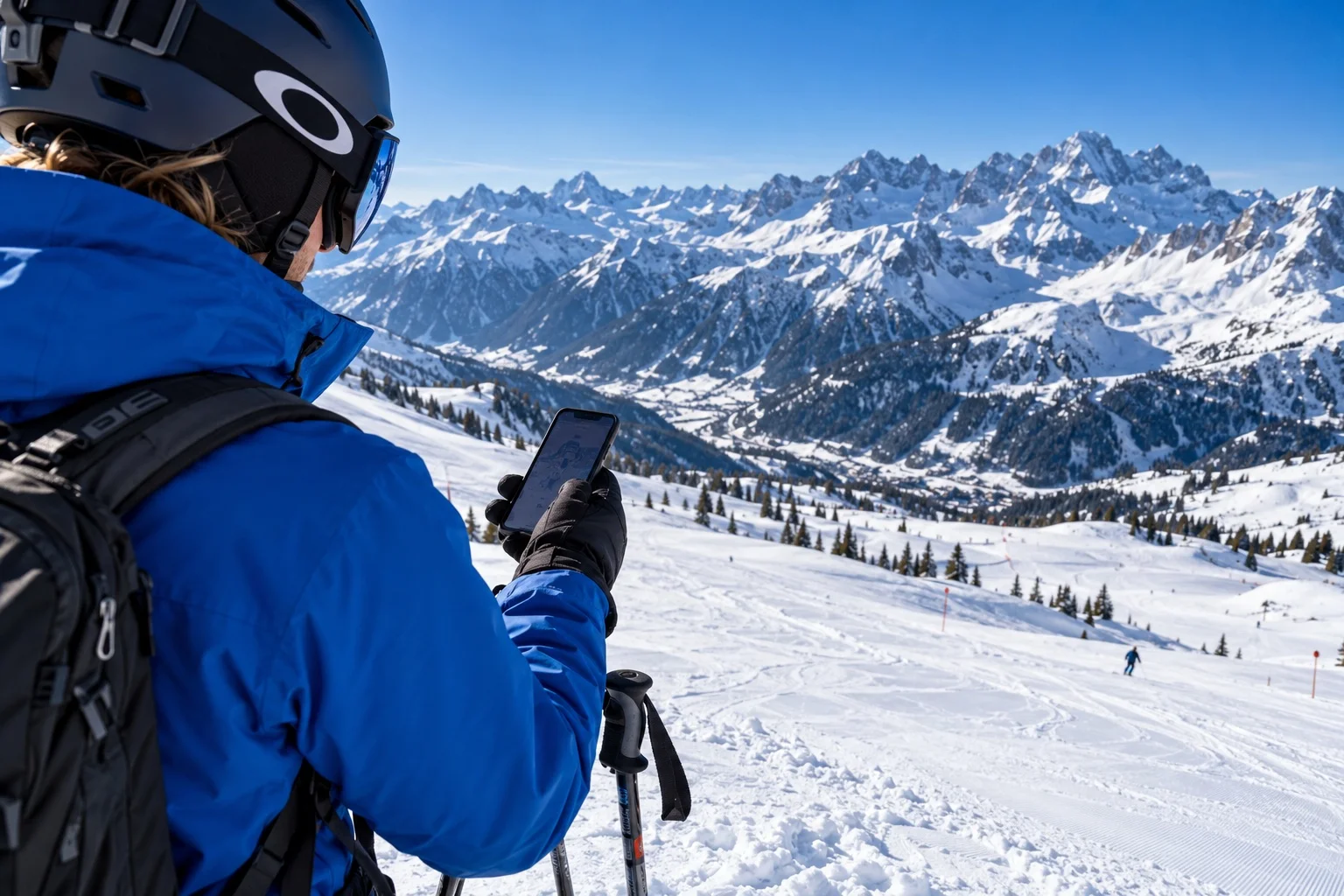
Save the right mountain before you leave
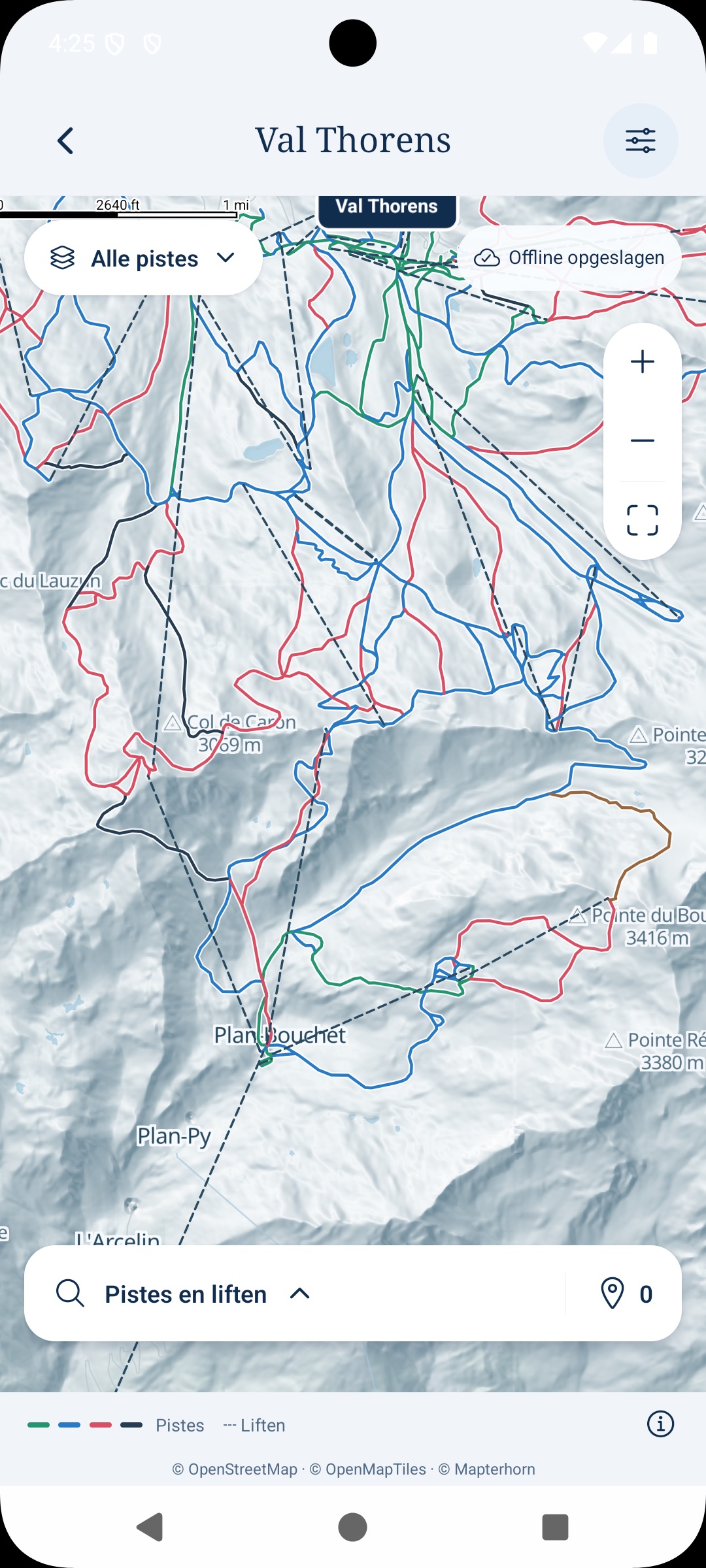
A weak connection on a chairlift is a poor moment to discover you have not saved the map. Open the ski map from your trip while you still have a connection, check the resort and let the offline download finish. A saved trip and a saved mountain map are separate things: check both before heading out.
Open the map again to make sure it is ready. If you have updated it, wait for that update to finish too. In Pistio., the downloaded pistes, lifts and mountain terrain stay available without a signal. Coverage varies by ski area, so check the mountain you actually intend to ski.
Look beyond the route down
Find your accommodation, the lift you expect to use first and a sensible way back to your part of the resort. Zoom in, tap a piste or lift, and explore the details available. Mark a few favourite places rather than trying to memorise the whole mountain.
A mapped run is not a promise that it is open or suitable for everyone. Check local signs, resort updates and conditions on the day. A map helps you understand the layout; it does not replace those checks or turn an unfamiliar route into a suitable one.
Choose a meeting point people can recognise
“At the bottom” is rarely specific enough. Choose a named lift station, terrace or other recognisable place, then agree a time and who is coming. Share the meeting point in the trip and put the arrangement in your day-by-day ski itinerary.
If some people are taking lessons or returning early, choose a place they can comfortably reach. Use a small group poll to decide between two workable lunch options, then put the decision into the plan rather than leaving it buried in chat.
Do a quick no-signal check
Before leaving your accommodation, briefly turn off your connection and reopen the saved map. Check that you can see the mountain, pistes and lifts. Turn the connection back on afterwards. Keep the phone charged and carry the resort information you need for the day.
Make downloading the map one of your shared trip tasks, while each person checks their own phone. For clothing, documents and the rest of the essentials, use the ski-trip packing checklist. A little preparation leaves more time for the skiing.
Map credits: OpenSkiData / OpenSkiMap · © OpenStreetMap contributors · © OpenMapTiles · © Mapterhorn